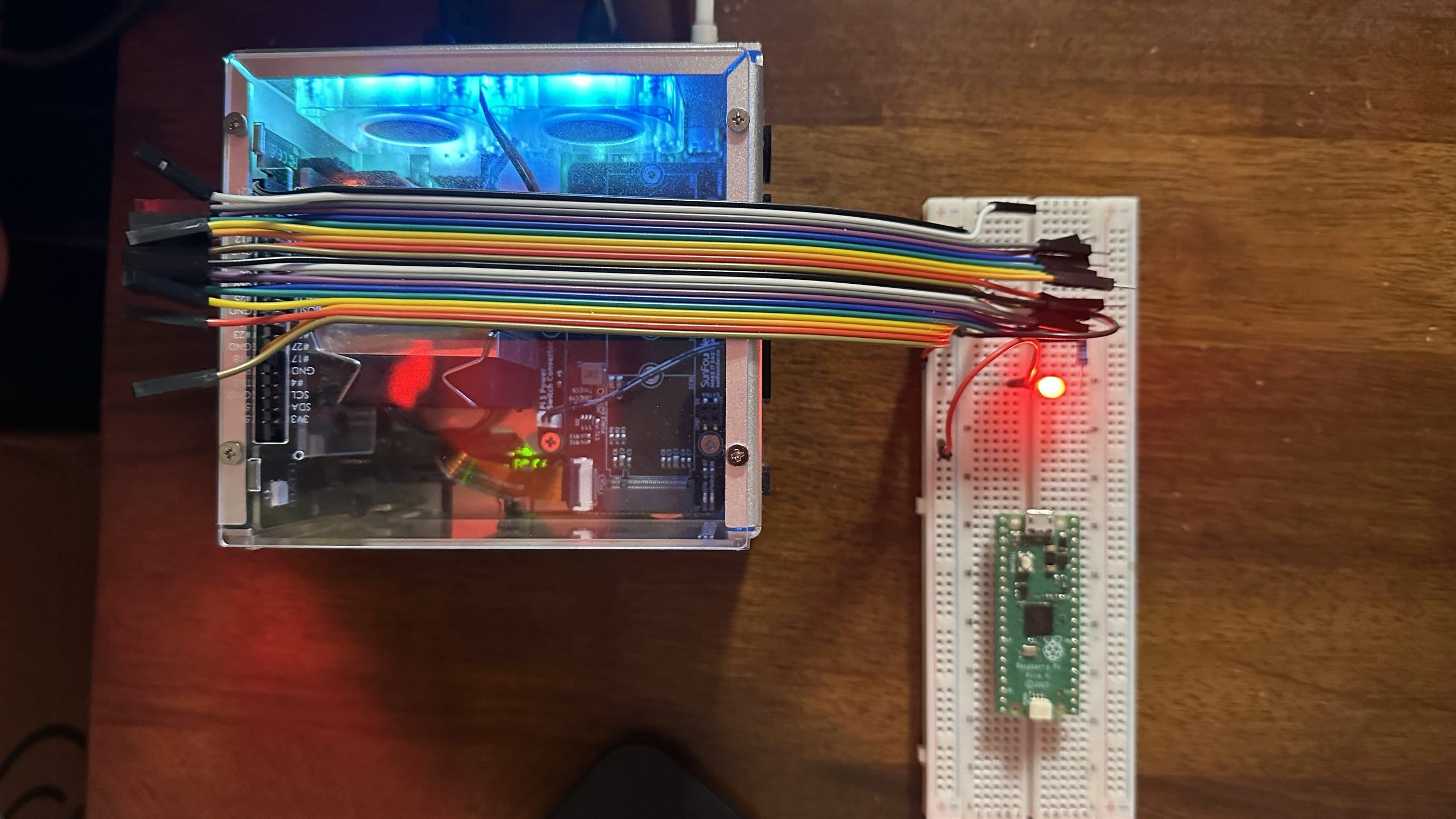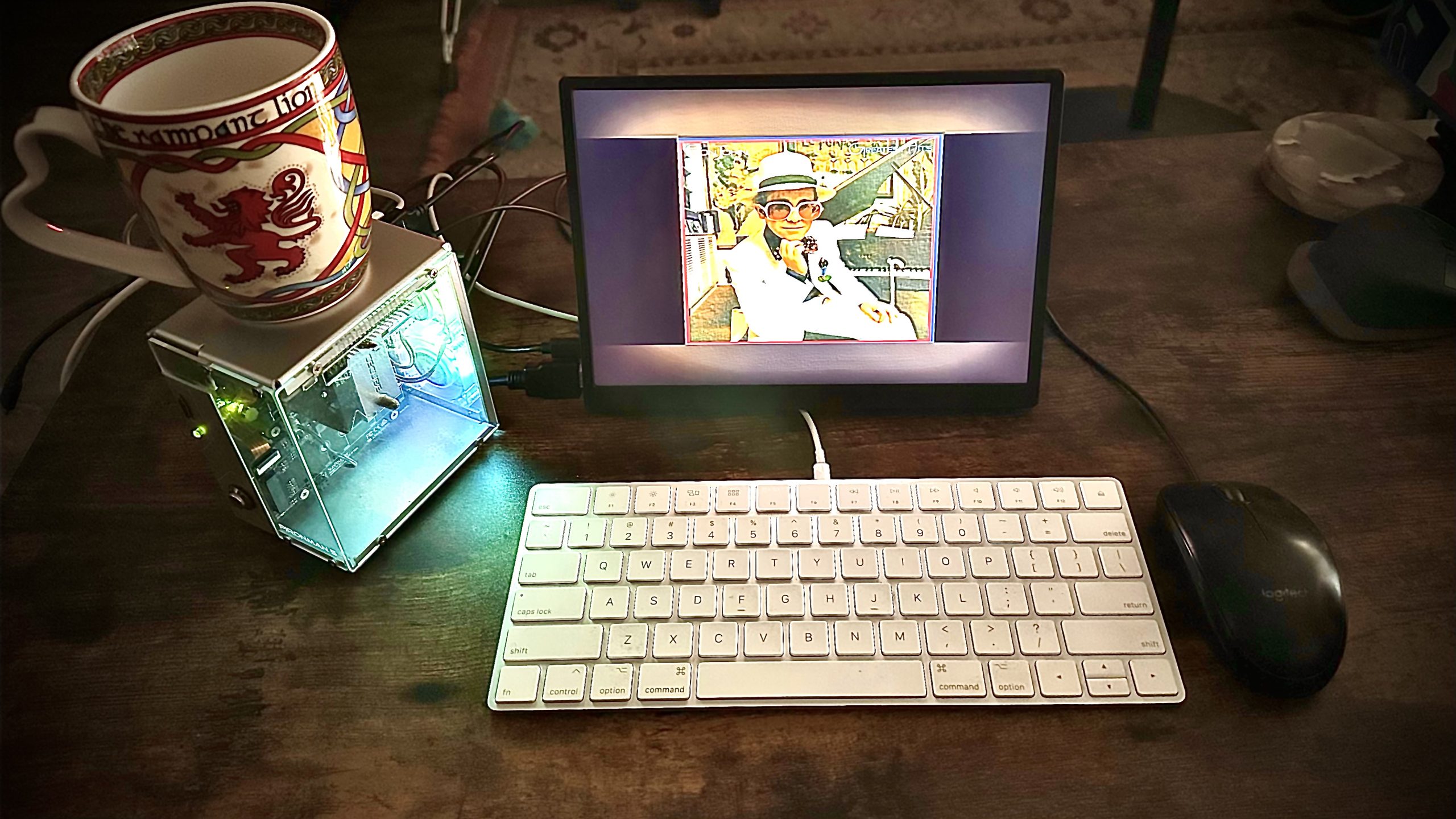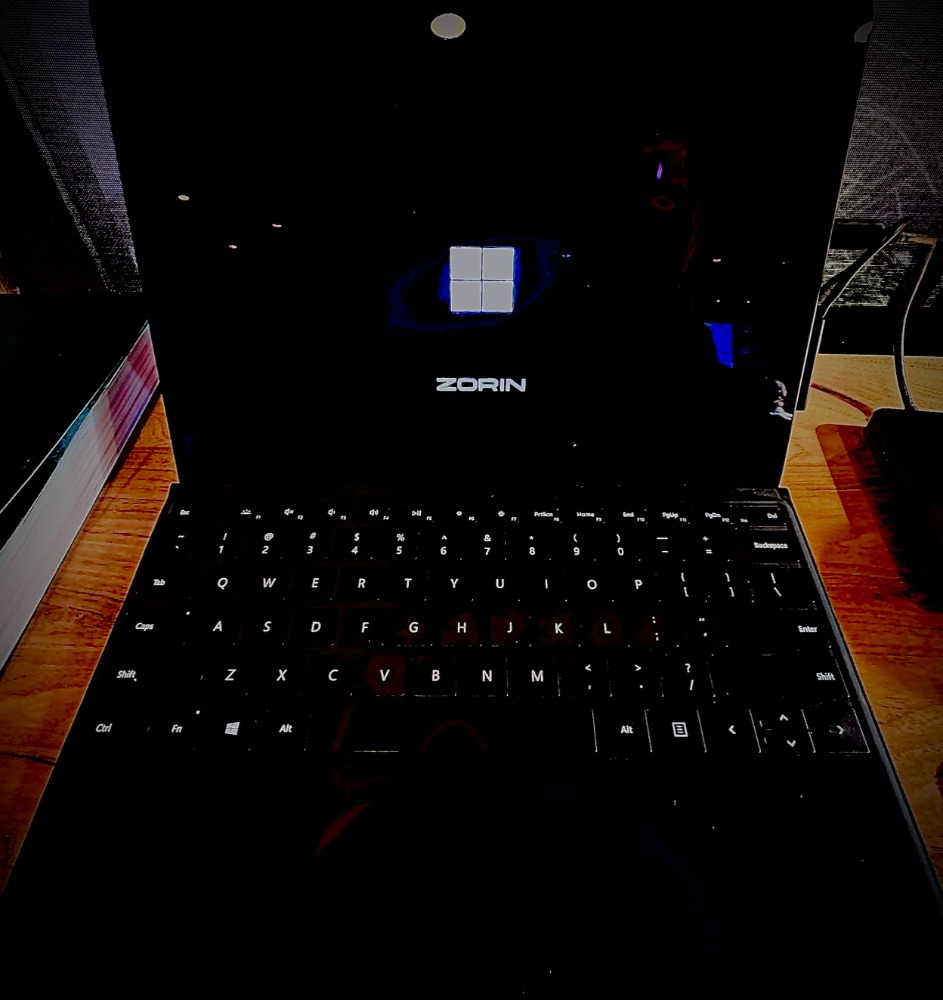
After running Linux on a Raspberry Pi 4, I felt the transfer rates to the SD card were too slow … So I purchased an SSD drive (500GB) and proceeded to upgrade this little machine so it can function as a daily driver, development machine, AI tool, SQL server and even some minimal gaming.
The process was a bit involved since I already had the OS installed and running on the SD card. So I needed to get some tools installed and mount the new drive, copy over the existing image from SD to SSD, set the new boot order to the SSD driive and proceed to install additional software…
The audio was always an issue on this machin but using Claude and a lot of debugging it turns out there was a conflict on the audio bus abd that conflice was maxxing out one of the 4 processor cores … so after removing the undesirable audio driver, I finally got some clean audio via Bluetooth.
t was a real chore but having this very small, yet powerful and flexible machine wasworth the effort.
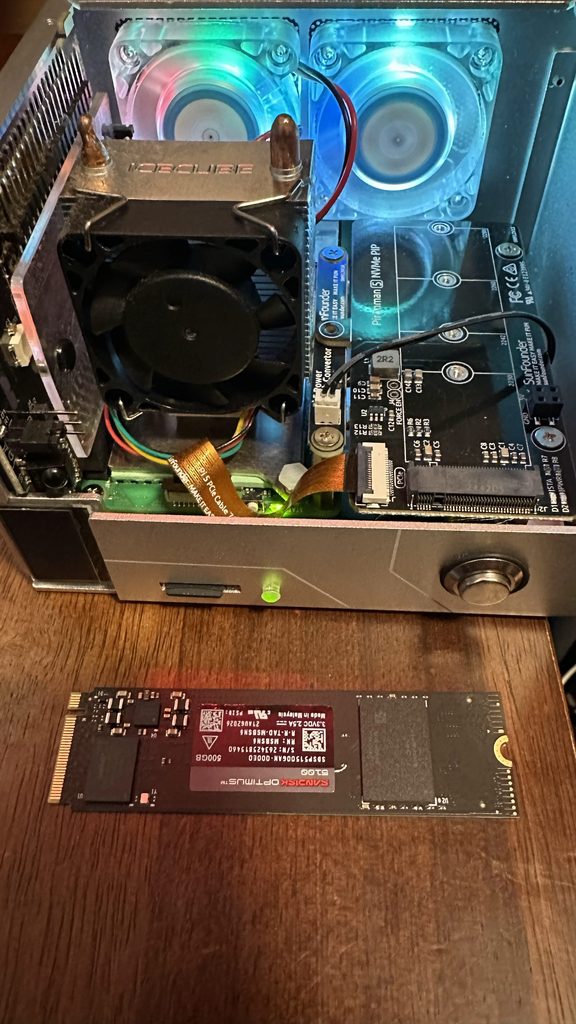
Getting set up
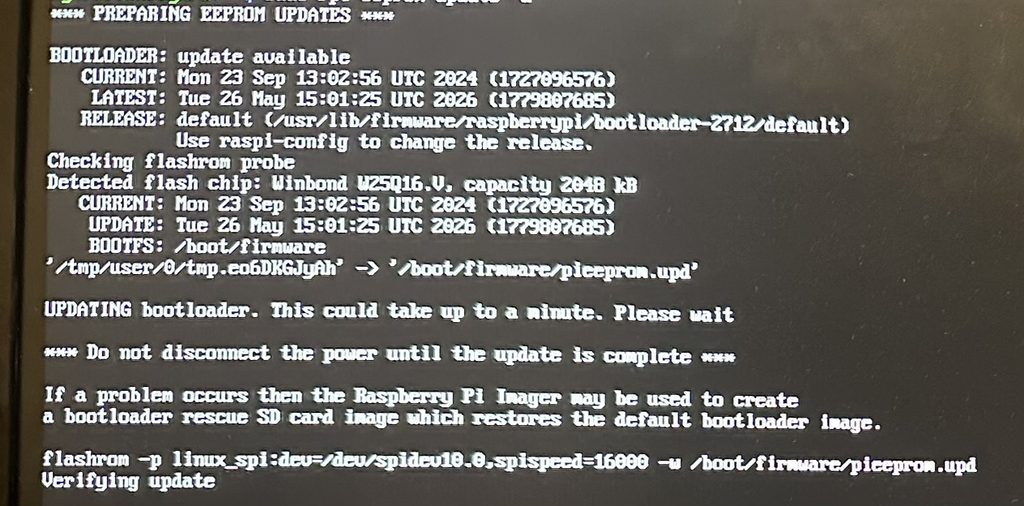
Updating the EEPROM to accomodate the SSD drive
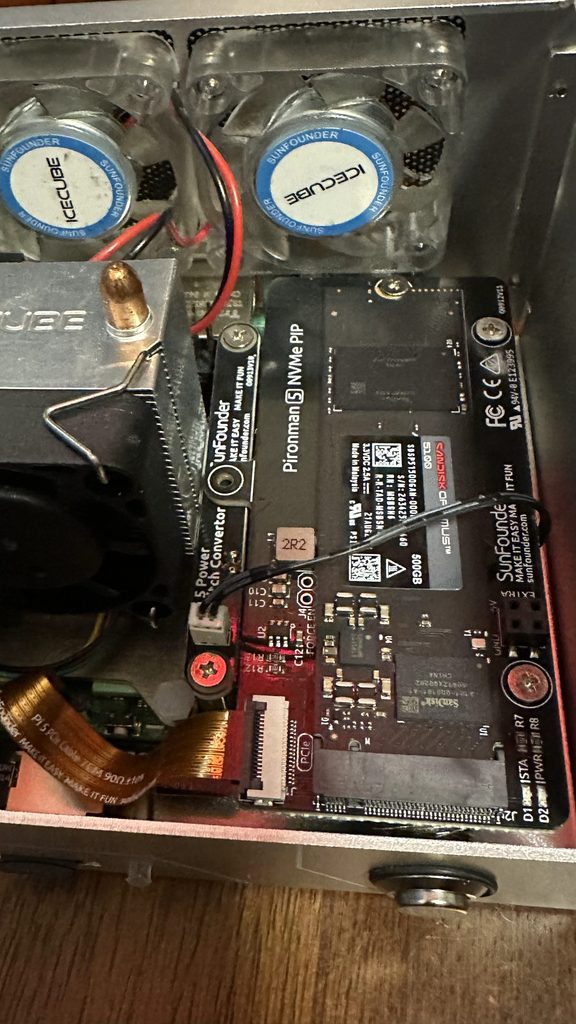
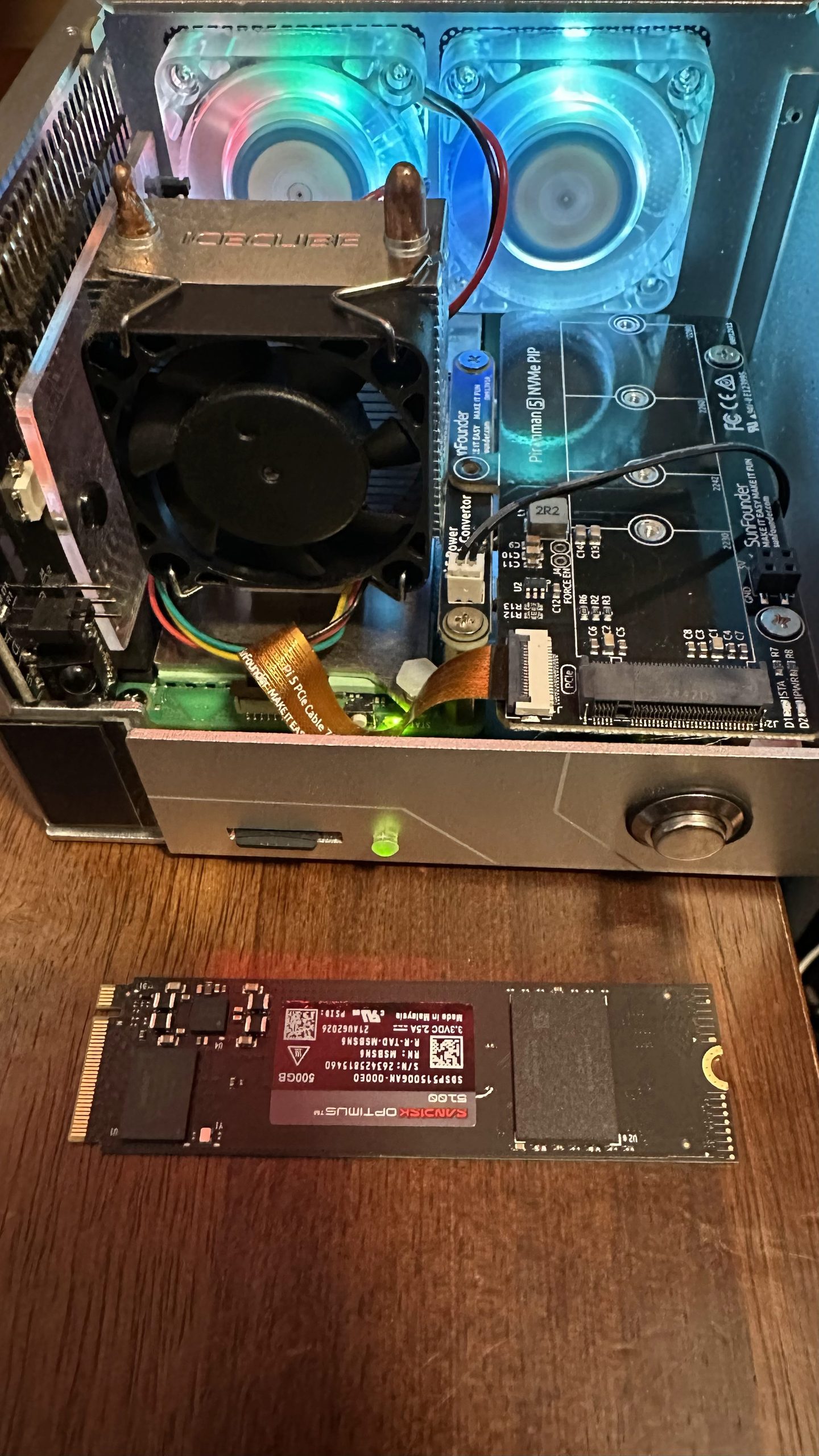
After EEPROM update I can now install the new SSD
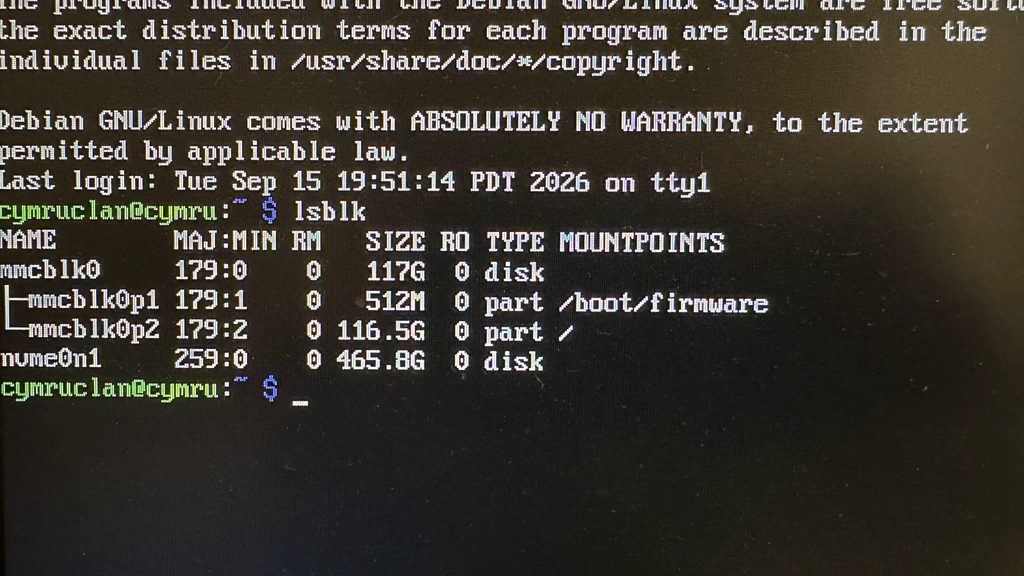
After fixing the cabling, I was able to see the new SSD along with the existing SD
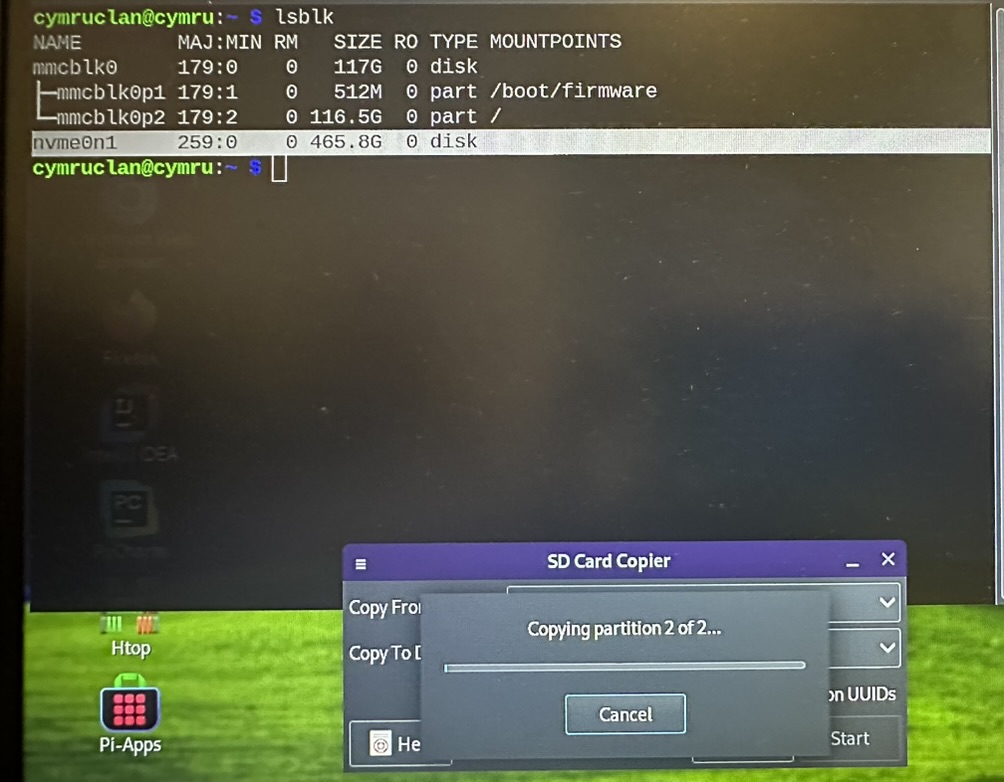
Now I can copy over the iamge after formatting with the appropriate filesystem
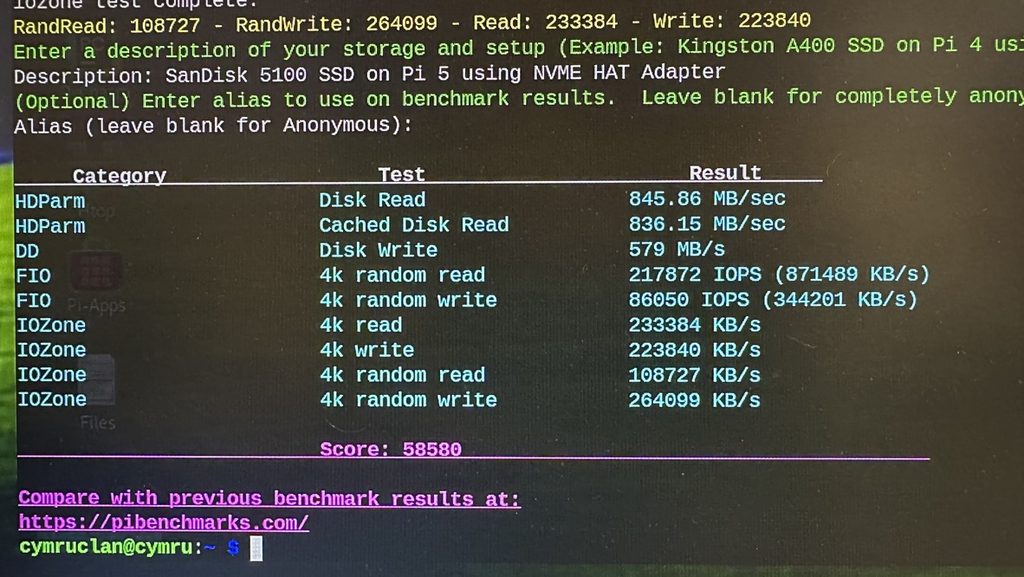
Then run some benchmarks on the taabnsfer rates …
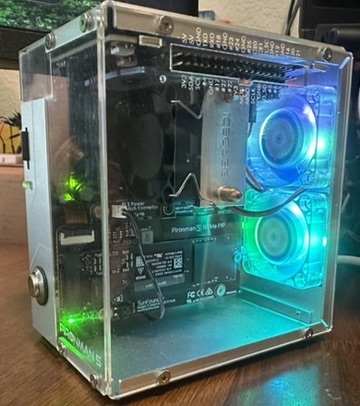
AND, project complete